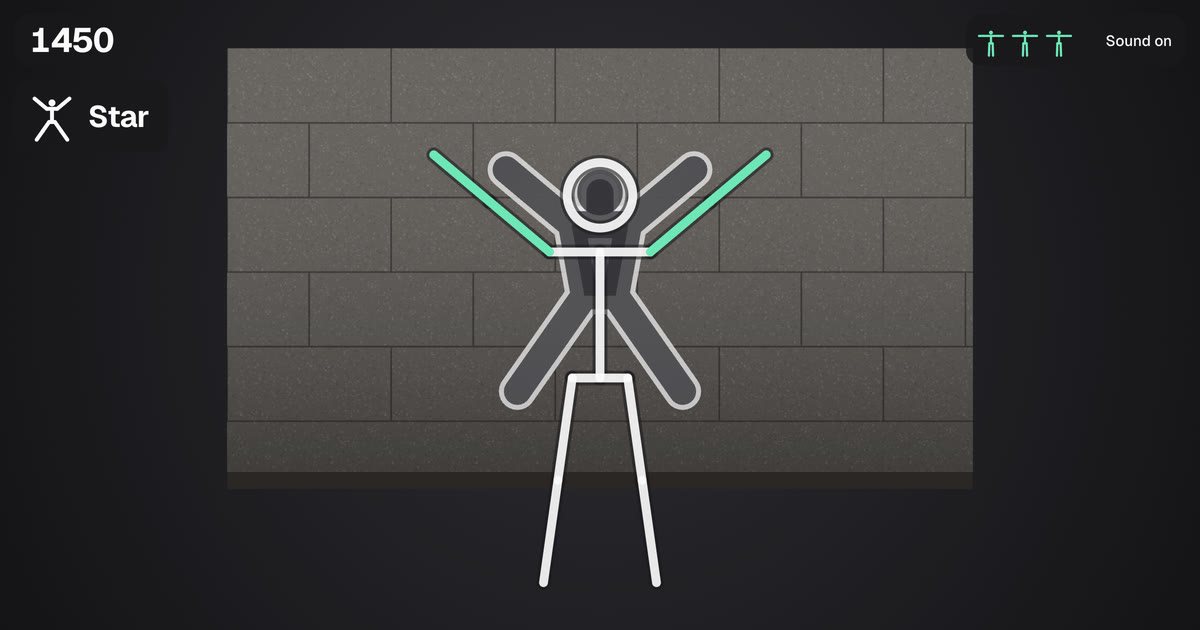
Your whole body plays
- Prop your phone up and step back until all of you is in view.
- Match the shape in the wall before it reaches you.
- Miss three walls and it's over. Raise both hands to play again.
Needs a front camera. The picture is read on your device and never uploaded. First load is about 20 MB.
How to play Statue
Statue is a whole body game. Prop your phone or laptop up, press Play, then Turn on camera and step back until your whole body, head to feet, is in the picture. That's usually about two metres away.
Stone walls come towards you, each with a person shaped hole in it. Strike the same pose and hold it until the wall arrives: your arms and legs turn green when they match. Walls come faster and get harder as you go, and missing three ends the game. To start or play again from across the room, raise both hands.
Tips
Give yourself room to stretch your arms and legs, and clear anything you could knock over. Plain clothes against a plain wall are easiest for the camera to follow. If the game says to take one more step back, do: wide poses need your whole body in view.
Is Statue free?
Yes. No sign up and nothing to install. It runs in your web browser on phones, tablets and computers with a front camera.
Is my camera picture uploaded?
No. The camera picture is read inside your own browser by a small body tracking model that runs on your device. Nothing from the camera is recorded, sent to us or stored anywhere, and the camera turns off when you close the page.
Why does it take a moment to start?
The first time you play, your browser downloads the body tracker, about 20 MB. It starts loading as soon as the game opens, and after that it's kept on your device, so the game starts quickly next time. Other camera games here share most of it.
The camera won't turn on. What can I do?
Check that your browser may use the camera for this site, in the address bar or in your phone's settings for the browser. Close other apps that use the camera, like a video call. Inside apps like Instagram, open the page in Safari or Chrome instead.
How much space do I need?
About two metres between you and the screen, and room to stretch your arms out to the sides. A laptop on a table or a phone propped against something both work.
More games
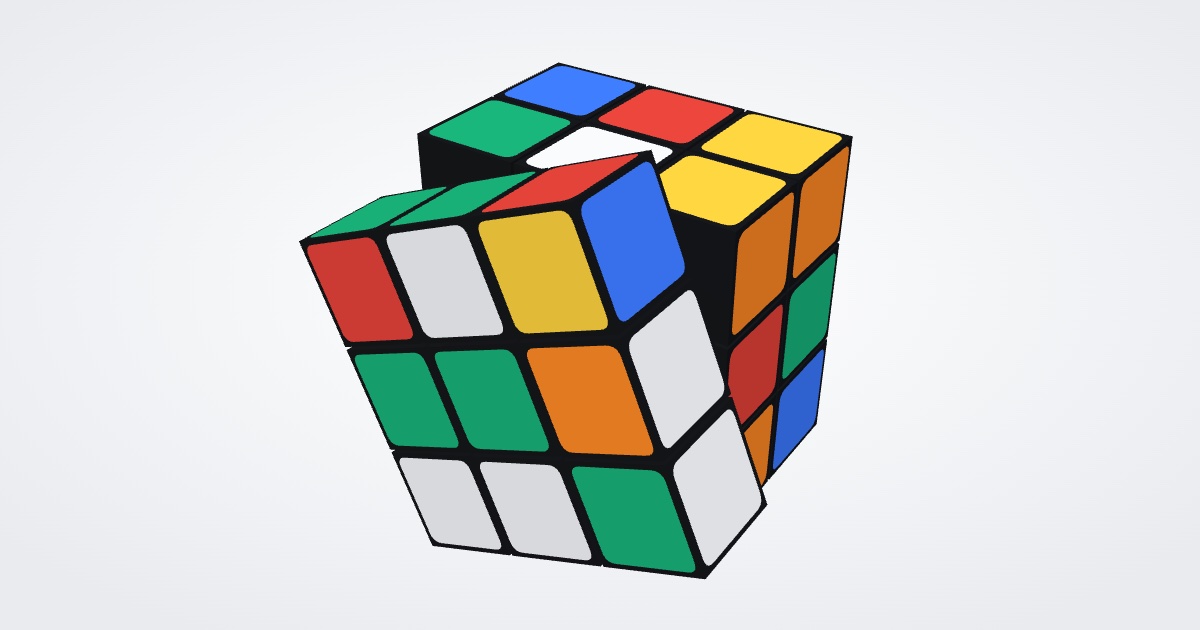 Puzzle CubeTurn every side back to one colour. 30 levels, a daily cube and sizes from 2x2 to 9x9.
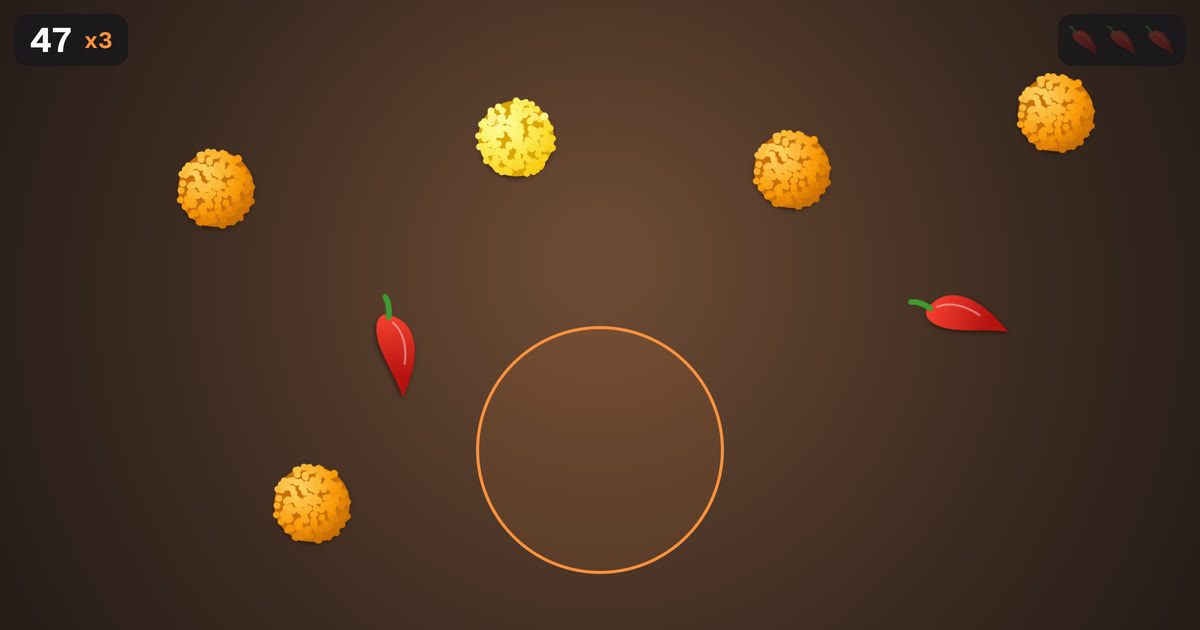 ChompA camera game you play with your mouth: catch the laddus, dodge the chillies.
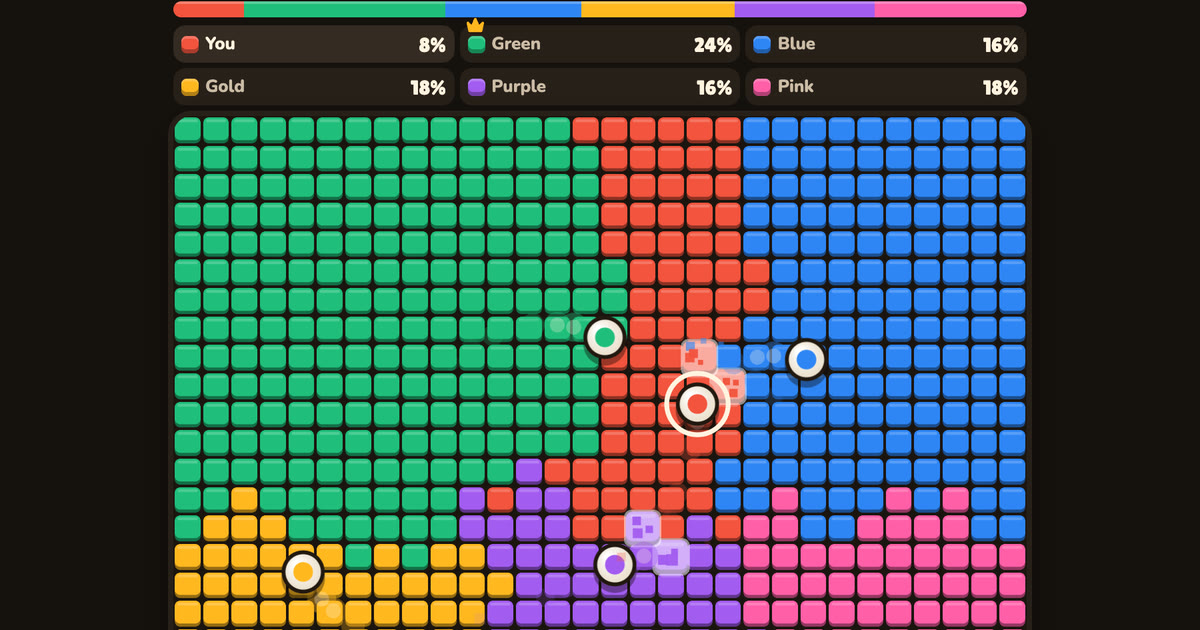 TurfSteer your ball and hold the most land. Play with up to six friends, or against bots.
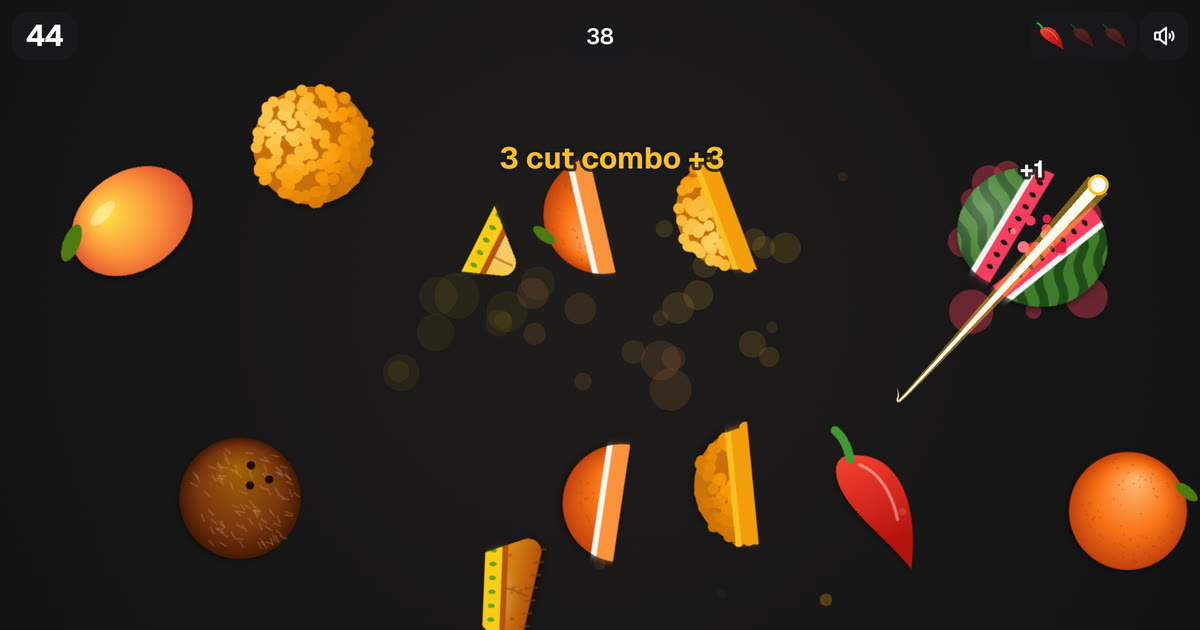 Air SliceSlice fruit and snacks with a fingertip in the air. Dodge the chillies.
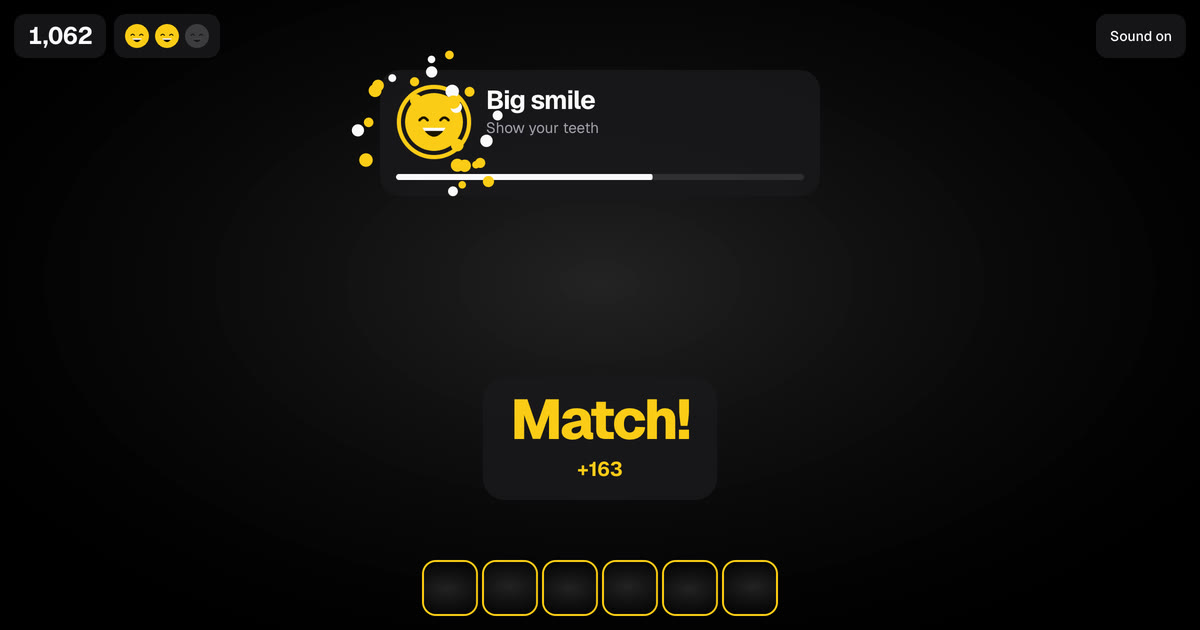 Face MatchCopy the funny face before time runs out. It gets faster every round.
 Quick gamesFifteen one minute games: test your reaction, timing, colour eye and memory, or share one phone for a duel.All gamesEvery game on Prakash Collective.