Online flip clock
A big, calm flip clock for any screen. Open it on a laptop, a spare monitor or your TV, press full screen, and the cards flip quietly as the minutes go by. There are ten styles to pick from, from an airport board to a sky that follows the sun.
A flip clock for any spare screen
Flip clocks used to sit on bedside tables and office desks, with numbers printed on little cards that drop over as the minutes change. This one does the same on a screen. Noir is the classic look: black cards, white numbers and a soft shadow, easy on the eyes in a dark room and sharp in a bright one.
If you've used a flip clock screensaver like Fliqlo, this is the same idea in a browser tab, so there's nothing to download. It works on Mac, Windows, Linux, Chromebooks, tablets and most smart TV browsers. Open it on an old laptop, a second monitor or the TV in your living room, press full screen and leave it running.
Good for: desk setups, home offices, streams, waiting rooms and anyone who likes to see the time without picking up a phone.
Want something louder? Departures clatters like an airport board, and Signal fills a whole TV.
Use it on a TV or spare screen
- Open itOpen this page on the screen you want to use: a laptop, a monitor, a tablet or a smart TV browser.
- Go full screenPress the full screen button at the bottom of the clock, or the F key.
- Pick a styleUse the bar under the clock, the arrow keys, or the number keys 1 to 0.
- Leave it runningThe controls hide after a few seconds, and your screen stays awake while the clock is open.
All ten clock styles
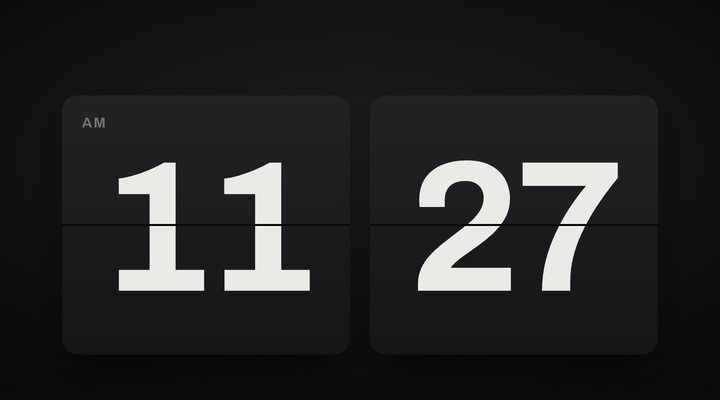
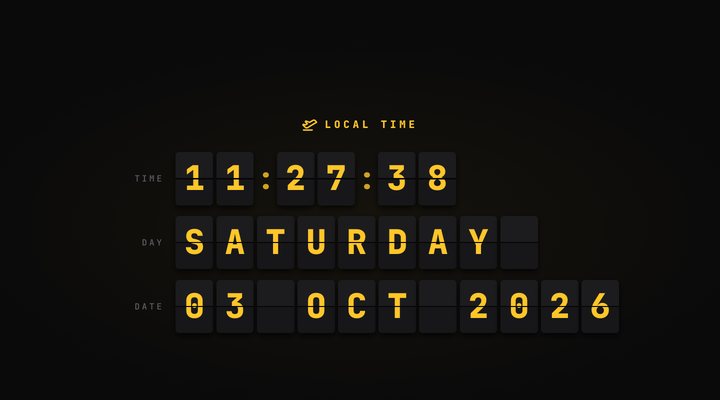
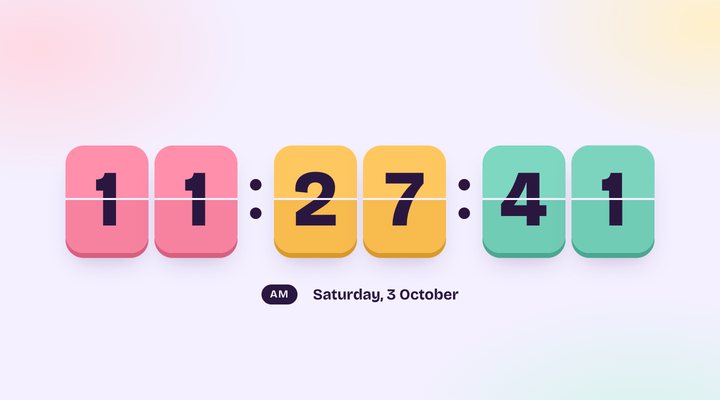
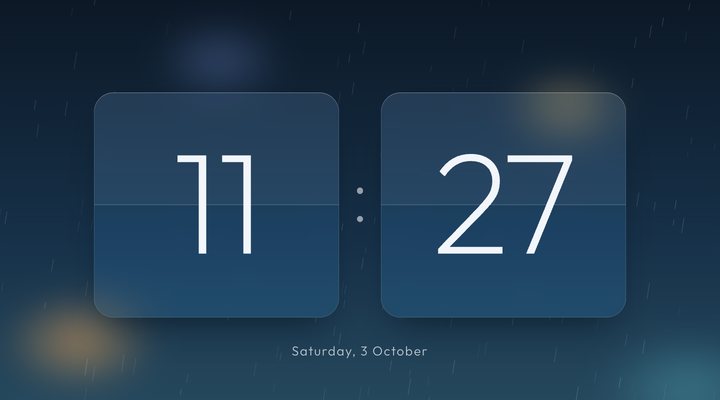
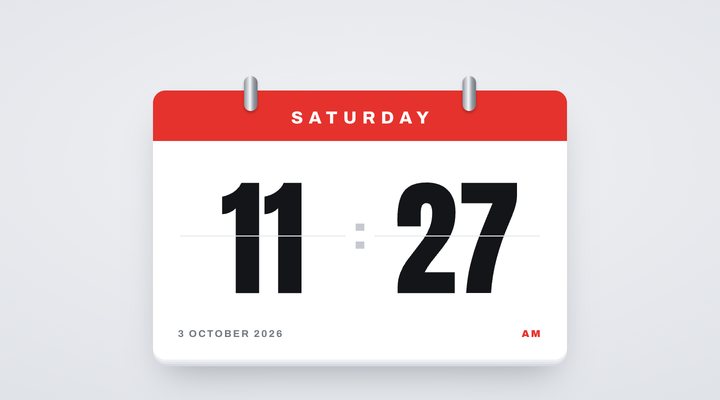
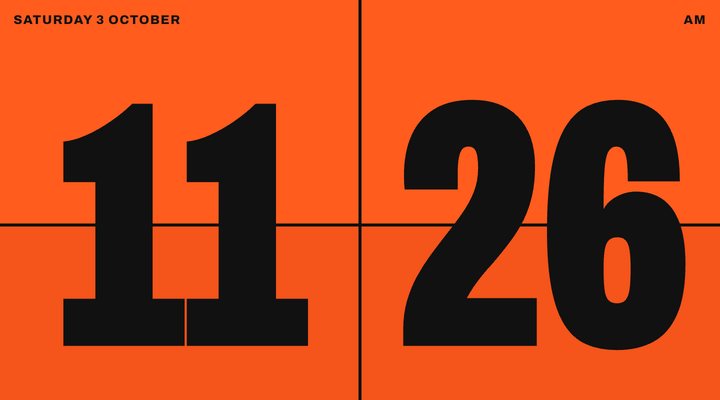
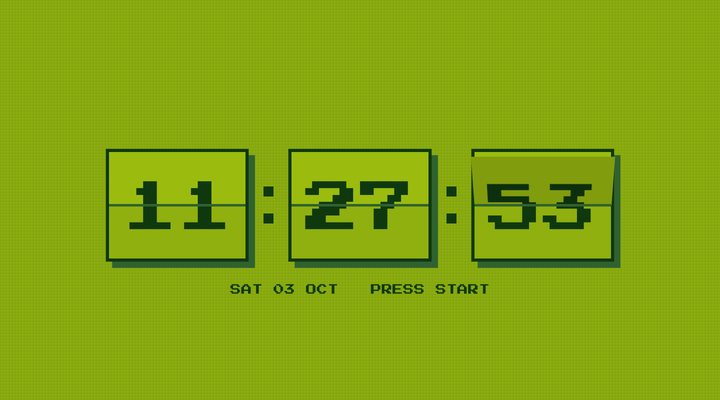
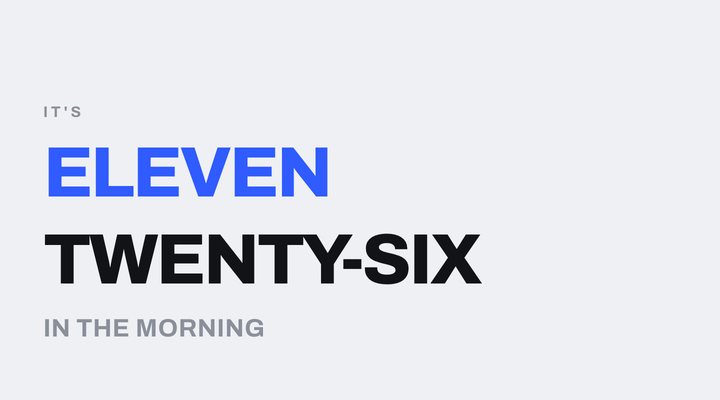
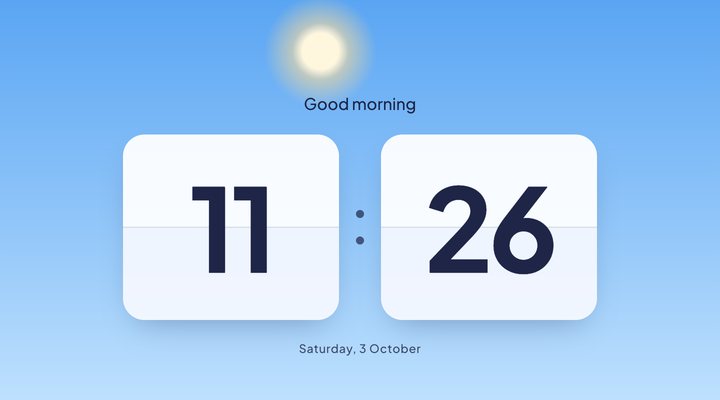
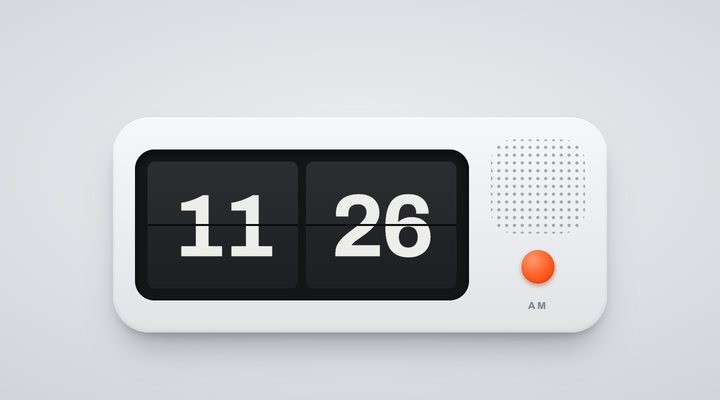
Want a style that isn't here yet? Request a new clock style.
Questions
Is the flip clock free?
Yes. Every style is free, with no sign up and nothing to install. It runs right in your browser.
How do I switch to 24-hour time?
Tap the settings button at the bottom of the clock and turn on 24-hour time. Your choice is remembered for next time.
Will my screen go to sleep?
While the clock is open and showing, it asks your browser to keep the screen awake. This works in most modern browsers, including Chrome, Edge and Safari.
Can I hear the flips?
Yes. Tap the speaker button at the bottom of the clock, or press S. Sound starts off, so it never surprises you.
Does it show my local time?
Yes. It reads the clock on your own device, so it always shows your local time, wherever you are.