Giant full screen clock
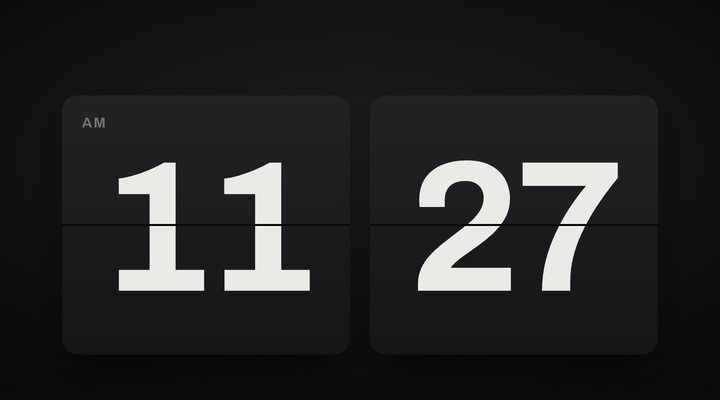
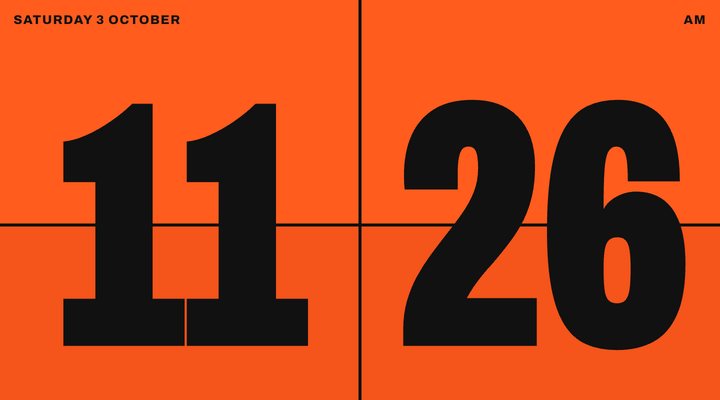
Two huge flaps that fill the whole screen edge to edge, in bold orange. The easiest clock to read from far away, made for TVs, gyms, studios and big rooms.
The easiest clock to read from far away
Signal does one thing: two giant flaps, edge to edge in bold orange. There are no small details to squint at, so you can read the time from across a gym, a studio or a classroom, even on a small TV.
Use it full screen on a smart TV browser, a projector or a monitor on the wall. It keeps the screen awake while it's open, and the controls hide after a few seconds, so all anyone sees is the time.
Good for: gyms, classrooms, studios, workshops, waiting rooms and any big room.
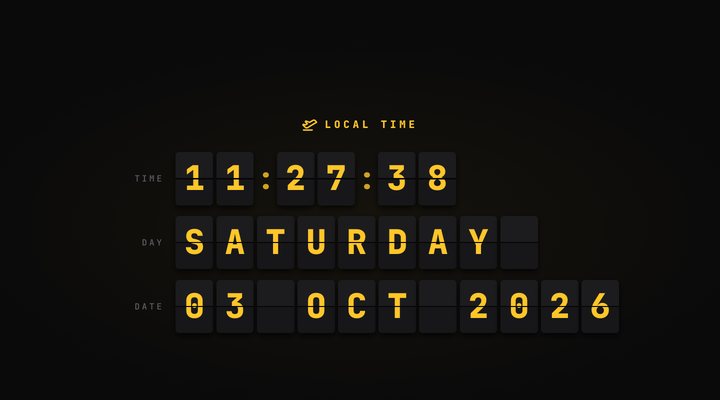
For something just as clear but calmer, try Noir. To see the day and date as well, use Desk.
All ten clock styles
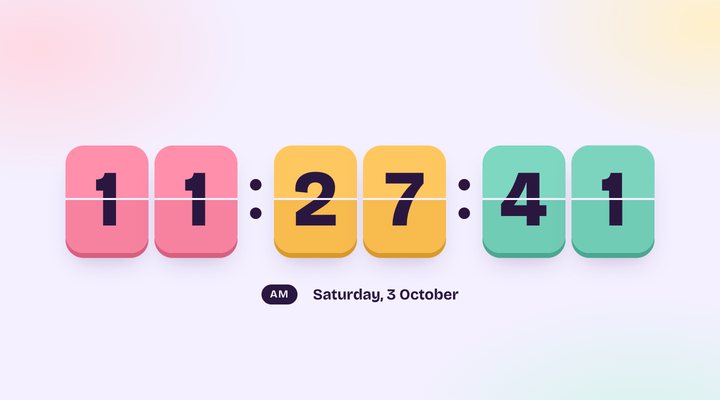
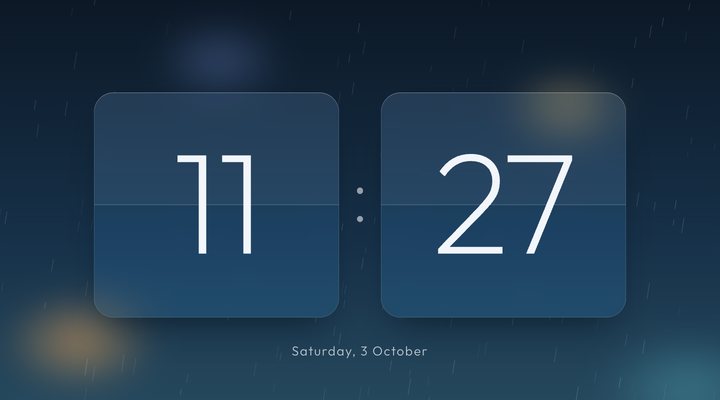
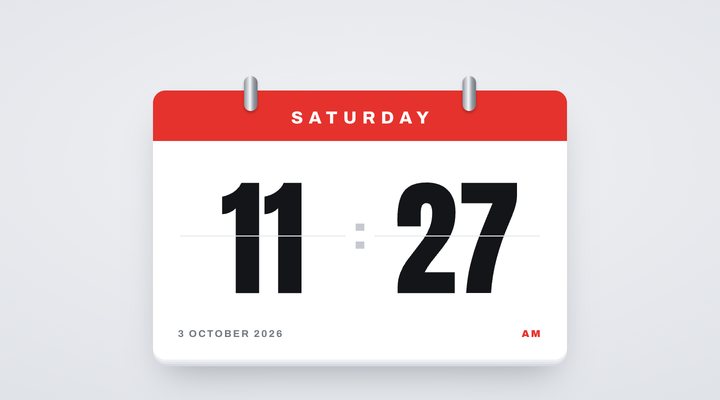
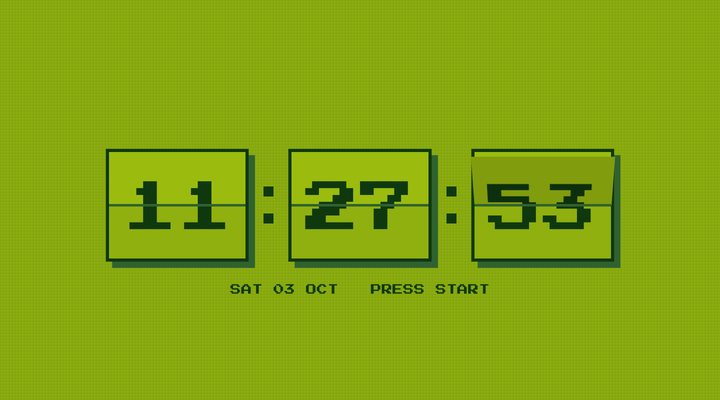
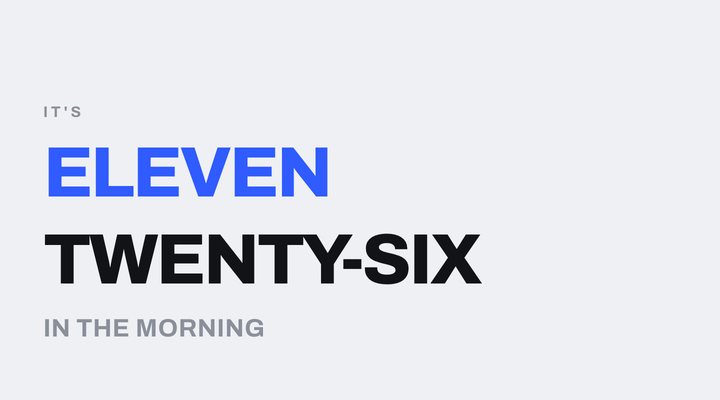
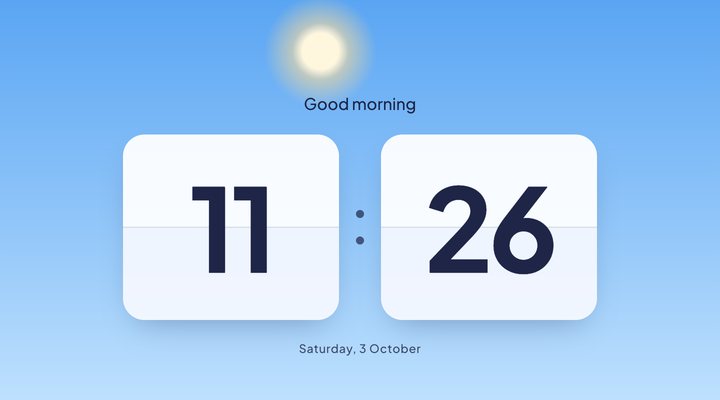
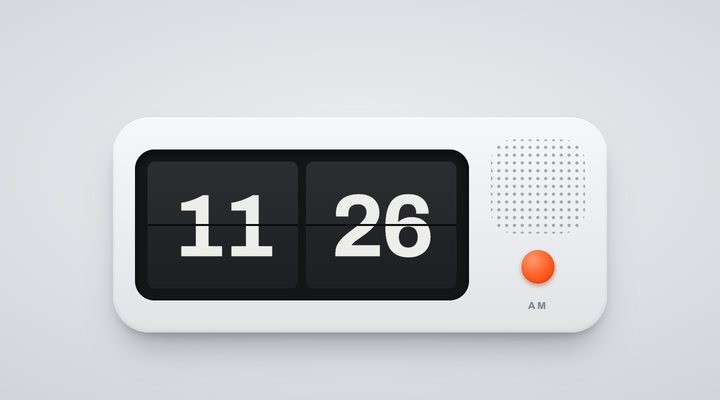
Want a style that isn't here yet? Request a new clock style.
Questions
How do I put it on my TV?
Open the web browser on your smart TV, go to prakashcollective.com/flip-clock/signal/ and press the full screen button. If your TV's browser has no full screen, the clock still fills the page.
Why does it only show hours and minutes?
Fewer numbers means bigger numbers. Signal keeps just the hours and the minutes so each one fills half the screen, with AM or PM small in the corner.
Will my TV go to sleep?
Signal asks the browser to keep the screen awake. Some TV browsers don't allow this, so if yours still dims, turn off the screen saver in your TV's settings.